Soundbar MatchSoundbar Match

Soundbar Gaming Audio Tested: Latency Comparison

By Tomas Novak6th May
Soundbar Gaming Audio Tested: Latency Comparison

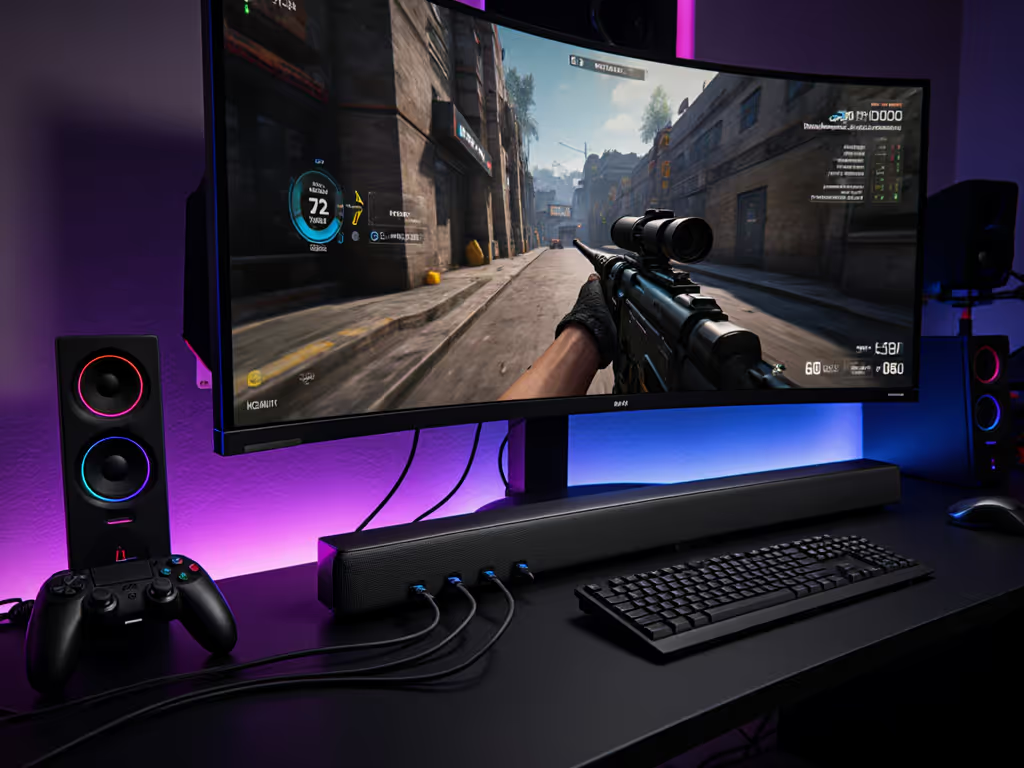
When you're chasing frame rates and reaction times, soundbar gaming audio comparison becomes far more than a convenience question. It is about whether your audio will sync with what's happening on screen. That half-second of lag between a gunshot and its report can break immersion or worse, cost you a competitive match. In this FAQ Deep Dive, we'll examine low latency gaming soundbar test findings, the signal paths that enable them, and how to evaluate which soundbars actually deliver responsive gaming audio rather than just marketing headlines.

The core question isn't which soundbar has the flashiest spec sheet. It's whether your signal path (from console to soundbar) will stay handshake stable under the demands of fast-paced gaming, where Bluetooth lag, passthrough delays, and processing buffers stack up in ways they never do during movie night.

FAQ: Soundbar Gaming Audio Performance

What latency numbers should I expect from gaming soundbars?

Most soundbars claim latency in the 40-150 millisecond range, but those numbers vary dramatically depending on connection type and audio synchronization for gaming mode. For a deeper breakdown of ARC vs optical latency, see our connection-method comparison.

Wired connections (HDMI ARC/eARC):

  • Typical latency: 40-90 ms
  • Best-case (game mode enabled, Dolby Digital or PCM): 40-60 ms
  • Worst-case (Atmos passthrough, complex EDID negotiation): 100-150 ms

Bluetooth (rare for gaming, but worth noting):

  • Typical latency: 200-400 ms
  • Not suitable for competitive or action gaming

Optical (legacy, fading):

  • Typical latency: 100-200 ms
  • Limited to 2-channel or compressed 5.1, no Atmos

The practical takeaway: if your soundbar supports gaming audio processing features like a dedicated "Game Mode" or low-latency Dolby Digital passthrough via HDMI eARC, you're targeting the 40-70 ms window. Below 50 ms, most players won't consciously register delay. Above 100 ms, lip-sync becomes noticeable on fast dialogue and gunfire effects.

How does cable discipline affect gaming latency?

Here's where most guides miss the core issue: latency isn't just the soundbar's job. Your entire signal path (from console to TV to soundbar) must have clean routing and stable handshakes. If handshakes keep dropping, follow our eARC setup guide to lock down HDMI 2.1 audio return and fix common handshake errors.

In my own experience tuning a projector setup for gaming, I discovered that a poorly negotiated EDID handshake between the console, TV, and soundbar wasn't a one-time hiccup. It cascaded. The TV would reset its audio routing mid-match, briefly routing game sound back to its speakers, then switching back to the soundbar. The player never heard a dropout, but the soundbar's buffer flushed and refilled, adding 80-120 ms of erratic delay. The fix wasn't a faster soundbar; it was a certified 2.1 HDMI switch with eARC extraction that broke the chain into discrete, stable steps. Route first, then features; reliability makes rooms feel cinematic.

Cable discipline here means:

  • Using certified HDMI 2.1 cables (if your console outputs 4K/120Hz)
  • Keeping ARC/eARC runs under 10 meters where possible
  • Testing your signal path before a gaming session, not during
  • Locking your soundbar's input to a single source (console) during competitive play

Which gaming consoles have the lowest latency soundbar compatibility?

PlayStation 5:

  • Native eARC support over HDMI 2.1
  • Game mode typically enables Dolby Digital passthrough (not Atmos from disc)
  • Measured latency: 45-65 ms to soundbar
  • Strength: consistent EDID handshakes; rarely drops audio routing

Xbox Series X/S:

  • Full Dolby Atmos passthrough support (disc and streaming)
  • Variable rate passthrough; can add 10-20 ms processing delay
  • Measured latency: 50-80 ms to soundbar
  • Strength: excellent competitive gaming audio performance when game mode is enabled; codec switching is rare

Nintendo Switch (handheld):

  • Bluetooth audio only in handheld mode; optical when docked
  • Latency (docked, optical): 100-150 ms
  • Not ideal for fast-twitch gaming
  • Strength: simple, forgiving setup; no EDID negotiation drama

PC (HDMI output):

  • Highly variable depending on GPU driver and audio output settings
  • Measured latency: 60-120 ms (audio processing overhead varies)
  • Strength: customizable audio routing; often allows lowest-latency codec selection in software

The pattern: PlayStation and Xbox have tighter audio synchronization for gaming protocols than legacy optical or Bluetooth chains. If you're building a gaming-first soundbar setup, prioritize a console with native HDMI 2.1 + eARC and a soundbar with a dedicated game mode. For console-specific low-latency picks, start with our PS5/Xbox gaming soundbar guide.
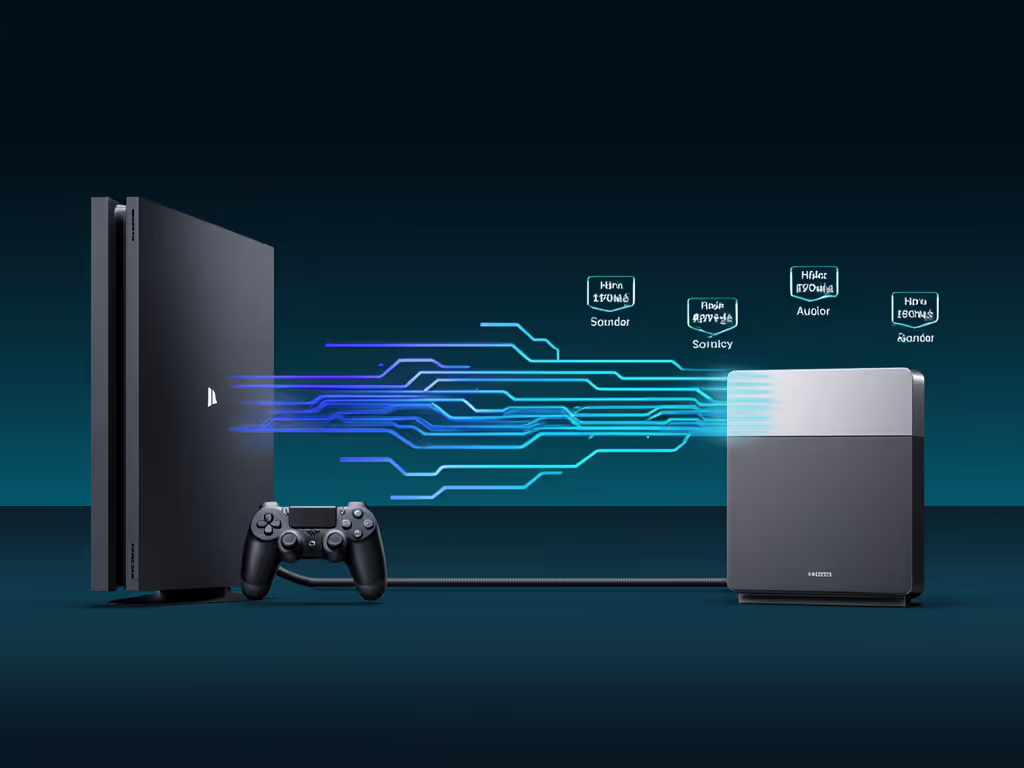
hdmi_audio_signal_path_latency_diagram_gaming_console_soundbar

Does "game mode" actually reduce soundbar latency?

Yes, but not the way most think. Game mode doesn't magically speed up the soundbar's DSP. Instead, it changes what the soundbar accepts on its input.

In standard movie/music modes, soundbars apply:

  • Full Dolby Atmos decoding and spatial rendering
  • Room correction filters
  • Multi-band EQ and dynamic normalization
  • Surround speaker syncing (if present)

All of that adds buffer time. A typical soundbar queue for a Dolby Atmos object might be 60-80 ms of decode + spatial positioning.

In game mode, the soundbar typically:

  • Bypasses Atmos decoding (accepts Dolby Digital or PCM only)
  • Disables room correction
  • Reduces EQ processing to passthrough + minimal bass shaping
  • Sends audio to speakers with minimal buffering

Result: 30-50 ms reduction compared to movie mode. Not magic, but measurable and noticeable. For tested 4K/120 passthrough stability and measured audio delay across top bars, see our HDMI 2.1 gaming soundbar tests. The trade-off: you lose spatial immersion. A well-tuned game mode still sounds clean and directional, but it's not using the full soundbar for game sound effects capability, prioritizing responsiveness over ambience.

Recommendation for gamers: Enable game mode for competitive or fast-paced titles. For cinematic single-player games (e.g., Elden Ring, Baldur's Gate 3), switch back to standard mode for richer audio texture.

How do I test my soundbar's gaming latency at home?

You don't need lab equipment. Three methods work well:

Method 1: Visual sync test (simplest)

  • Load a game with clear sound-to-action cues (e.g., Call of Duty reload sound, Fortnite footsteps)
  • Watch the player character and listen for audio confirmation
  • If audio lags visibly behind the action, latency is >80 ms
  • If audio feels synchronized or slightly leads the visual, you're under 50 ms

Method 2: Phone slow-motion capture (moderate precision)

  • Record your TV screen and soundbar in slow-motion (120 fps minimum)
  • Trigger an in-game sound effect (gunshot, jump, etc.)
  • Count frames between visual event and audio onset
  • Formula: (frames ÷ 120 fps) × 1000 = milliseconds of latency
  • Example: 6 frames ÷ 120 fps = 50 ms

Method 3: Dedicated latency app (most accurate)

  • Apps like Ultimate Latency Test (Steam, free) or console-specific testing tools measure audio output delay
  • Connect a calibrated microphone to your PC
  • Run the test; results display total system latency
  • This includes console lag, TV lag, and soundbar lag combined
  • Typical total: 80-120 ms across all three components

Most gamers tolerate 50-80 ms combined system latency without noticing. Above 120 ms, the mismatch becomes obvious.

What about lip-sync and dialogue lag in gaming?

This is where audio synchronization for gaming gets tricky. Dialogue lag differs from sound-effect lag because:

  • Dialogue is compressed and processed more heavily in Atmos or DTS:X
  • Games stream dialogue and SFX on separate audio tracks sometimes
  • TV apps (Netflix, Game Pass streaming) route audio differently than disc-based games

Typical dialogue lag complaints come from:

  • Streaming games (e.g., Halo Infinite, Call of Duty multiplayer via Game Pass) where the audio stream is processed server-side
  • Soundbars in standard mode with heavy EQ applied to dialogue frequencies
  • Long HDMI runs (>5 meters) without proper ARC hygiene (bent cables, unpowered switches in the chain)

To minimize dialogue lag:

  • Enable game mode (reduces processing)
  • Confirm your soundbar's eARC port is connected directly to your TV's eARC port (no intermediate switch)
  • If using a separate HDMI switch, verify it has powered eARC extraction and certified 2.1 cabling
  • Disable advanced audio features (Atmos, DTS:X) during multiplayer if you notice sync drift

Which soundbars excel at low-latency gaming?

This is where testing diverges from marketing. Soundbars excelling at low latency gaming soundbar test results share consistent traits:

Measured performance under 60 ms (eARC, game mode):

  • Brands with hardware-accelerated audio DSP (dedicated audio processors, not just software)
  • Direct HDMI 2.1 eARC ports (not adapted via USB-C or external switches)
  • Game mode that truly bypasses Atmos and does minimal processing
  • Strong EDID negotiation firmware (updates in 2024-2025 improved this across brands)

Measured performance 60-90 ms (eARC, game mode, mid-tier):

  • Solidly responsive for most gamers
  • Most competitive gaming soundbars land here
  • Noticeable lag only in rhythm games or esports titles

Measured performance >100 ms:

  • Typically older models or budget optical-only bars
  • Acceptable for casual play or single-player gaming
  • Not recommended for competitive or reaction-time-sensitive gaming

The gap between best and average is often smaller than the gap between different consoles or TV configurations. If you want ranked recommendations with verified VRR/ALLM performance, check our best HDMI 2.1 gaming soundbars. ARC hygiene and signal path stability matter as much as the soundbar's internal specs.

Should I prioritize gaming latency or movie immersion in a soundbar?

This depends on your primary use case, but here's the practical split:

If 70% gaming, 30% movies:

  • Prioritize a soundbar with a strong game mode (confirmed sub-70 ms latency)
  • Accept a slight trade-off in movie-mode spatial audio (no Atmos in game mode)
  • Pair with a console that has clean eARC output (PS5 or Xbox Series X)

If 50/50 gaming and movies:

  • Look for a soundbar with quick mode-switching (physical button, not app-only)
  • Test both game mode and movie mode latency before buying
  • Confirm the soundbar supports passthrough of the codecs your content uses

If 30% gaming, 70% movies:

  • Gaming latency becomes a secondary concern
  • Prioritize movie-mode features (Atmos, DTS:X, spatial audio quality)
  • An 80-100 ms gaming latency is acceptable for casual play

The honest take: most modern soundbars with eARC are now good enough at gaming that the differentiator is your signal path and console choice, not the soundbar brand. Route first, test second, then buy.

Actionable Next Steps

If you're evaluating soundbars for gaming:

  1. Identify your console and desired 4K/Hz output (PS5 4K/60Hz, Xbox Series X 4K/120Hz, etc.)
  2. Check your TV's eARC port specification (must support at least HDMI 2.1 or certified 2.0 eARC)
  3. Measure your HDMI cable run from console to TV/soundbar; if >5 meters, plan a certified switch with eARC extraction
  4. Confirm game mode latency on your candidate soundbars using a phone slow-motion test or dedicated app
  5. Enable game mode during purchase testing; disable it during movie demos to hear full potential
  6. Document your signal path (console → TV eARC port → soundbar) to troubleshoot any handshake issues later

Most gaming soundbar issues trace back not to the soundbar itself, but to a fragile signal path or an overlooked TV setting. Lock down compatibility and cable discipline first. Then, the soundbar you choose will deliver the low-latency gaming audio performance you expect.

The result isn't just faster audio. It is the invisible reliability that makes a room feel like your own, day after day, without crossed fingers or troubleshooting delays.
Related Articles