

Soundbar Audio Codecs Guide: What Actually Matters
By Rafael Ortiz • 19th Mar
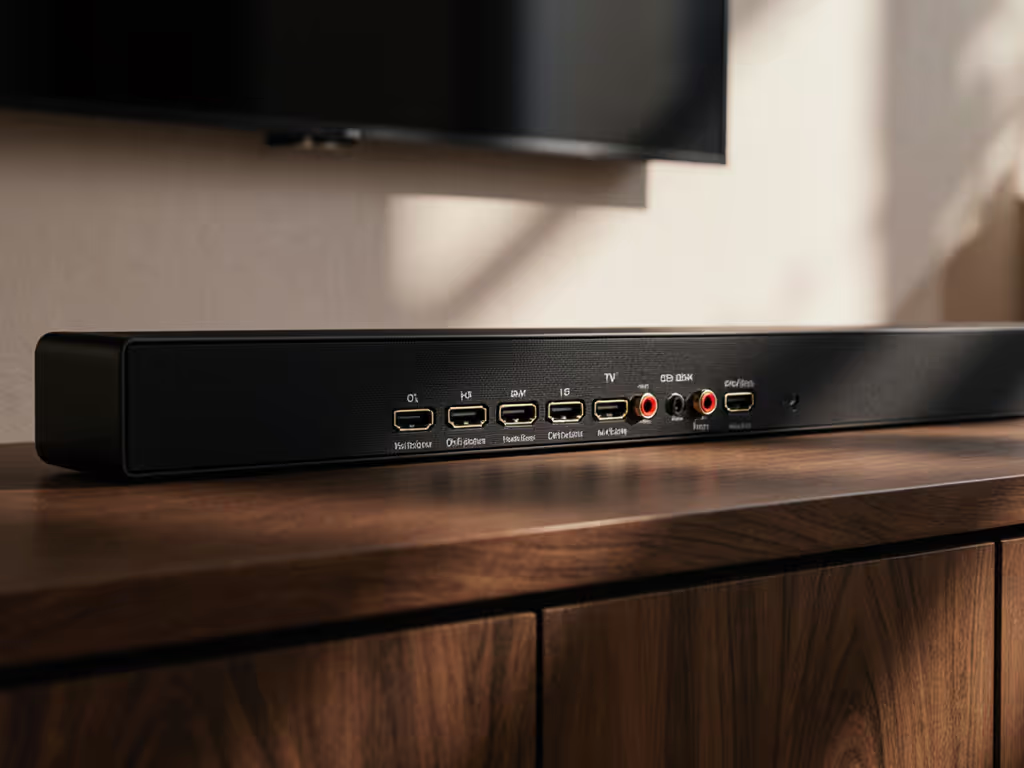
When you're shopping for a soundbar, you'll hit a wall of audio codec acronyms: AAC, aptX, LDAC, SBC, and passthrough modes that promise theater-quality sound from your living room. The truth is simpler and messier: most of those codec names matter far less than the streaming audio format compatibility chain between your source, your soundbar, and your TV. What actually matters is whether audio arrives cleanly, stays in sync with the picture, and survives the journey without unnecessary processing delays. For a quick primer on ports and latency, see our HDMI ARC vs optical guide. Let me map out the real questions, and the answers that protect your latency budget.
What Do Audio Codecs Really Do in a Soundbar?
A codec compresses audio data so it fits through a cable or wireless link without eating your bandwidth whole. Think of it as a translator that crunches sound information down, then unpacks it on the other end. On paper, a higher bitrate codec (say, aptX Lossless at 1200 kbps) preserves more audio detail than a basic one (SBC maxes out at 320 kbps). In practice, your soundbar chain almost never delivers that theoretical win because your listening environment, your source material, and your TV's audio extraction are the actual bottlenecks, not the codec name on the spec sheet.
The real mission: protect the latency budget; then layer Atmos and extras. A codec that adds processing delay is a codec that will make your dialogue lag behind lips and your game audio feel sluggish. That lag is why I map the entire pipeline (source to TV to soundbar) and trace every millisecond of processing time.
Which Codec Should You Actually Care About?
SBC (Subband Coding) is the universal baseline. Every Bluetooth device supports it. Audio quality is bare-bones, adequate for casual background listening, but not sharp for dialogue-heavy shows or gaming where sync matters. The upside: zero negotiation. It always works.
AAC (Advanced Audio Coding) is the iOS default and widely supported on Android 8 and later. It handles 24-bit audio at up to 320 kbps and is more complex than SBC, which means better fidelity but also higher power drain. For streaming platform audio quality, if your TV or streaming device defaults to AAC, you're not losing anything meaningful compared to fancier options.
aptX and aptX HD preserve roughly 16 to 24 bits at 48 kHz. aptX HD tops out at 576 kbps, which sounds impressive until you realize your typical TV soundtrack over eARC is already compressed by the TV's audio extraction logic. aptX is genuinely better than SBC for wireless headphones; for a soundbar fed via passthrough, the difference is negligible if your TV is doing the heavy lifting upstream.
LDAC (Sony's codec) and aptX Lossless claim to handle hi-res audio at 96 kHz, up to 990 to 1200 kbps. On paper, stunning. In reality: consumer soundbars rarely receive true hi-res streams. Streaming services cap at 16-bit/44.1 kHz AAC or Dolby Digital. Local files might be hi-res, but your TV's audio output almost never negotiates a hi-res codec with the soundbar via eARC. You're paying for headroom you can't use.
How Does Soundbar Bitstream Passthrough Actually Work?
Here's where codec names collide with real-world plumbing. When your soundbar connects via HDMI eARC or optical, the audio doesn't flow as SBC or AAC. It flows as bitstream — a raw, compressed data stream from your TV or streaming device, typically Dolby Digital (AC-3), Dolby Digital Plus (E-AC-3), Dolby Atmos, or DTS. The soundbar's job is to decode that bitstream and pass it to the speakers.
The codec conversation happens upstream: between your streaming app, your TV, and the extraction method. Netflix sends Dolby Atmos; your TV unpacks it and decides whether to send it raw (bitstream passthrough) or convert it to stereo PCM (which kills the immersive layers). A soundbar doesn't choose aptX or LDAC for eARC, it receives whatever your TV negotiates and sends. If your TV defaults to stereo PCM instead of bitstream, swapping codecs won't help. If you need help wiring and selecting the right connection, follow our soundbar setup guide.
This is why passthrough integrity matters more than codec names. I once traced a lip-sync lag to a TV that was re-encoding Dolby Atmos as stereo PCM, adding 80+ milliseconds of processing. The soundbar's codec spec had nothing to do with it. Switching the TV to bitstream passthrough mode locked the sync. The difference felt immediate, like the room had snapped into focus.
What About Dolby Atmos Soundbar Support and Codec Impact?
Dolby Atmos is a format, not a codec. It's an object-based audio layout that routes sounds to specific virtual locations, including height channels. A Dolby Atmos soundbar either decodes Atmos from a bitstream input or simulates it with virtualization tricks (upfiring, digital processing). Either way, the codec (AAC, aptX, SBC) is irrelevant. What matters:
- Does your TV support eARC and Atmos decoding?
- Does your streaming source (Netflix, Apple TV+, gaming console) send Atmos?
- Does the soundbar accept bitstream Atmos input, or only stereo PCM?
If your TV defaults to stereo PCM, an Atmos-capable soundbar becomes a stereo box. Switching to bitstream passthrough unlocks the feature. Codec specs stay silent on this difference.
How Does Audio Codec Impact Dialogue in Streaming?
Dialogue clarity is driven in two ways: source compression and soundbar processing, not codec negotiation.
Streaming services ship dialogue in compressed formats (Dolby Digital, AAC). That compression is baked in. A soundbar can't un-compress it by choosing a better codec. What a soundbar can do is apply dialogue-boost presets, lower-midrange EQ lifting, or dynamic range compression (night mode). For step-by-step tuning, use our soundbar presets guide. Those features live in the soundbar's DSP, not in its codec support.
For gaming, lag between audio and animation kills dialogue clarity too. When a character's lips move but the word arrives 100+ milliseconds late, your brain flags it as wrong. This is where the latency budget becomes critical. eARC adds ~20 ms. Dolby Digital decoding adds ~50 ms. Soundbar processing adds another 20 to 40 ms. Total: ~100 ms baseline. High-end gaming sources can tolerate 50 ms; home theater is forgiving at 100+ ms. But padding unnecessary processing onto that chain, like re-encoding passthrough streams, eats the margin.
What's the Practical Takeaway for Soundbar Codec Selection?
Stop hunting for the "best" codec. Instead:
- Confirm your TV's passthrough mode. Bitstream > PCM for immersive formats.
- Match your source habits. Netflix? Dolby Atmos usually available. Disc player? DTS-HD. Console? Dolby Digital or DTS:X if you have eARC. That's your baseline.
- Lock in game mode on your TV. This disables post-processing and shortens the chain. Codec names won't save you if the TV is re-encoding.
- Plug optical or eARC, then measure lag. If lip-sync drifts, the culprit is processing delay upstream, not codec quality downstream.
- Ignore hi-res codec boasts. Consumer soundbars rarely see 96 kHz or 24-bit streams in practice. Save money, buy better room placement or a subwoofer instead.
Codec spec sheets are marketing comfort. Real comfort is a picture-and-sound bond that holds steady across Netflix, console games, and broadcast TV, with dialogue locked and no surprises at 10 p.m. when the whole room should stay quiet. That's the pipeline map that matters.
Explore Further
To go deeper, research your TV manufacturer's streaming audio format compatibility documentation (search "TV model audio formats" plus "eARC" and "passthrough"). Check your soundbar manual for bitstream decode support and game-mode latency specs. Test your actual chain with a source that sends Atmos or DTS and measure sync with a phone app like Video Sync. If you hit handshake or passthrough quirks with Apple TV, Fire TV, or Roku, try our HDMI-CEC compatibility fixes. Codec names will fade once you see the real bottleneck, and optimize that instead.
Related Articles
Audio Tech Explained
Harman Kardon MultiBeam Tech: Clear Dialogue, Room-Filling Sound
16th Jan•6 min read