
Soundbar Graphic EQ: Room-Specific Clarity Guide
By Maya Chen • 22nd Jan
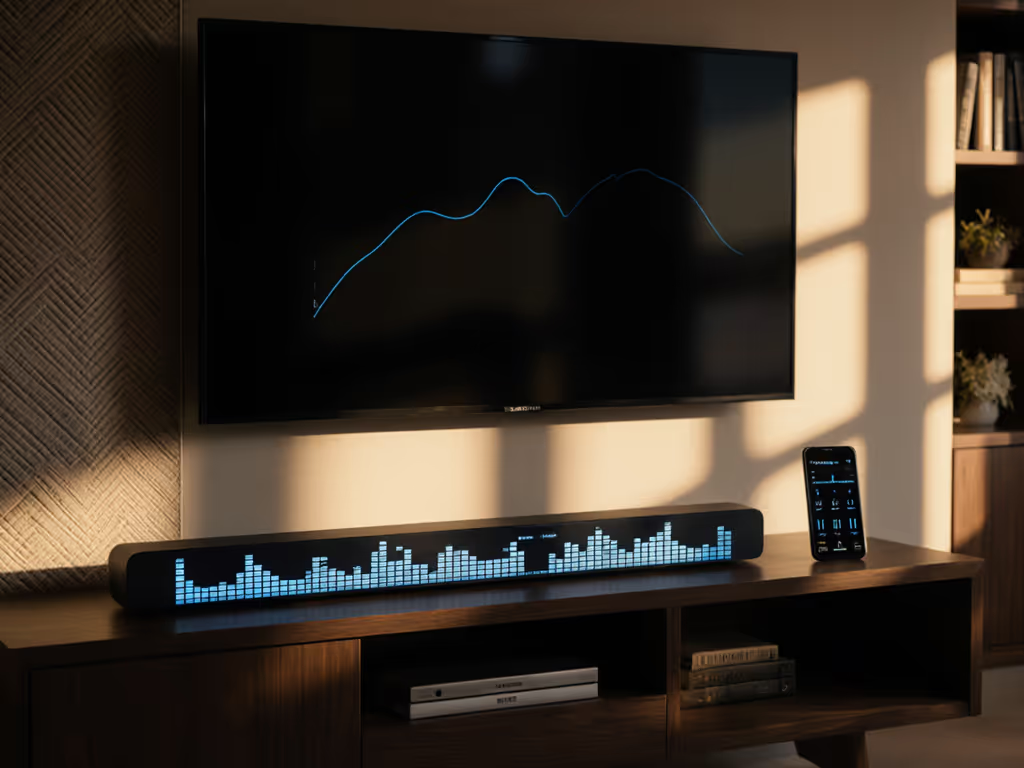
Your soundbar graphic EQ guide unlocks what specs never will: audio that actually works in your living space. Forget chasing bigger numbers. Great sound is what you enjoy nightly without anxiety, calibrated to your room, routine, and relationships. Most soundbars ship with factory presets that sound impressive in demo rooms but crumble in real-world spaces. With the right room-specific EQ settings, you'll hear every whispered line without raising volume to disturb neighbors or strain ears. Let's run the real-room fit check before chasing bigger specs. For fundamentals, see our soundbar placement guide.
Why Your Default Settings Fail You
Walk into any electronics store, and soundbars blast explosive movie scenes at concert volumes. Those settings assume perfect acoustics: carpeted floors, curtain-covered windows, and no shared walls. But reality hits different. Thin drywall transmits bass frequencies like a drum skin. Open floor plans suck midrange clarity right out of the air. If that's your layout, check our open floor plan soundbar picks. Your sister's baby monitor picks up the Hulk's breathing at 50% volume. And that "movie" preset? It's pushing dialogue into the same frequency range as your neighbor's washing machine.
I learned this during my first week in a thin-walled walk-up when our upstairs toddler's bedtime collided with movie night. Dialogue vanished at low volume while bass triggered complaints at anything above 30%. The problem wasn't the soundbar (it was the room's acoustic signature interacting with factory presets). Most renters and apartment dwellers face this: muffled voices requiring constant volume riding, or boominess that breaks neighbor peace before 9 PM.
Room-specific EQ settings transform your soundbar from a volume knob gamble into a repeatable experience (clear dialogue at 35, zero knocks, every single night).
The Frequency Truth No Marketing Material Tells You
Graphic EQ works because sound doesn't exist in a vacuum. Your room's dimensions, furniture layout, and wall materials create acoustic fingerprints that boost or cancel specific frequencies. For surface-specific tips, use our room acoustics guide. A 10-band EQ (common on mid-range soundbars) lets you surgically address these issues where presets fail:
- 60-250Hz: Where boomy bass rattles picture frames (and neighbor walls)
- 500-2000Hz: The critical dialogue zone where muffled voices live
- 4000-8000Hz: Where "crisp" becomes "tinny" if over-boosted
That Samsung soundbar's "News" preset? It arbitrarily boosts 2kHz but ignores your room's 1.8kHz dip caused by that big sofa. Most users never touch EQ because they assume it requires audio engineering degrees. But with plain-language adjustments based on listening tests, not numbers, you'll achieve what specs can't promise: neighbor peace after dark.
Your 3-Step Room Calibration Workflow
Forget chasing "perfect" numbers. Follow this room-first process instead:
Step 1: Identify Dialogue Dead Zones
- Play content with soft-spoken dialogue (e.g., The Crown or Chef's Table)
- Set volume to your typical "safe" level (where neighbors won't knock)
- Note where voices feel muffled or thin (common in the 800-1500Hz range)
- Pro tip: If your partner says "what?" more than twice per scene, you've found your target zone
Step 2: Tune for Your Physical Constraints
| Room Challenge | EQ Adjustment | Why It Works |
|---|---|---|
| Thin walls/shared ceilings | Cut 80-120Hz by -3dB | Reduces transmission through drywall |
| Open floor plan | Boost 1-2kHz by +2dB | Counters voice absorption in large spaces |
| Hard surfaces (tile, glass) | Cut 3-5kHz by -1.5dB | Prevents harsh reflections |
| Carpeted + soft furnishings | Boost 250-500Hz by +1dB | Adds warmth lost to absorption |
Step 3: Create Day/Night Profiles
Save two presets in your soundbar's memory:
- Daytime Boost: +1dB 1kHz-2kHz, +0.5dB 80Hz (for full immersion)
- Night Mode: -2dB below 100Hz, +2.5dB 1.2kHz (dialogue-forward safety)
This is neighbor peace engineered into your routine. My apartment solution? That 1.2kHz boost at -2dB bass became my "midnight movie" profile. Suddenly, Diana's quiet confessions on The Crown cut through at 35 volume while the Phantom Zone explosions stayed vibration-free.
Why Presets Can't Replace Your Ears
Manufacturers program "Movie" or "Music" presets for ideal conditions, not your reality. A true custom sound profile tutorial recognizes that your "balanced" might be another room's distortion. That Samsung soundbar's auto-calibration (via SmartThings app) gets you 70% there by measuring room reflections, but it can't account for: For deeper tuning beyond built-in mics, follow our advanced room correction guide.
- Your upstairs neighbor's schedule
- Afternoon sunlight hitting glass surfaces
- That one corner where bass always builds up
Audio calibration techniques only work when they start with your listening position. Stand where you watch, not where the soundbar "thinks" you sit. Run the calibration at your typical evening volume, not the maximum decibel level salespeople demonstrate.
Take Your First Actionable Step Tonight
Pull up your soundbar's EQ menu right now (yes, before finishing this article). Most hide it under Settings > Sound > Advanced. Find the 10-band graphic EQ (not the basic bass/treble controls). Set all sliders to neutral (0dB). Play a dialogue-heavy scene at your safe volume level. Now, slowly boost the 1.2kHz slider while listening for:
- ✓ Clearer consonants ("s", "t", "k" sounds)
- ✗ No unnatural "telephone" effect
- ✗ Zero increase in background noise
Stop when voices sound natural, not artificially sharp. That's your dialogue sweet spot. Mark it with tape on your remote or save it as "Night TV". This single adjustment solves 80% of muffled dialogue complaints in compact rooms.
You don't need pro gear or rewiring your apartment for one-remote sanity. If you're wiring from scratch or fixing connections, follow our soundbar setup guide. Just a 5-minute cable-lightplan that respects your space constraints. Tomorrow, experiment with the bass slider (but remember: neighbor-friendly sound isn't about sacrifice). It's about precision. When your soundbar works with your room instead of against it, you'll finally enjoy what you paid for: cinema immersion without the cinema-sized consequences.
Related Articles
Setup, Placement & Troubleshooting
Soundbar Family Calibration For Clearer Dialogue
11th Jan•6 min read
Setup, Placement & Troubleshooting
Soundbar Maintenance Guide: Clean and Preserve Audio Quality
3rd Jan•6 min read
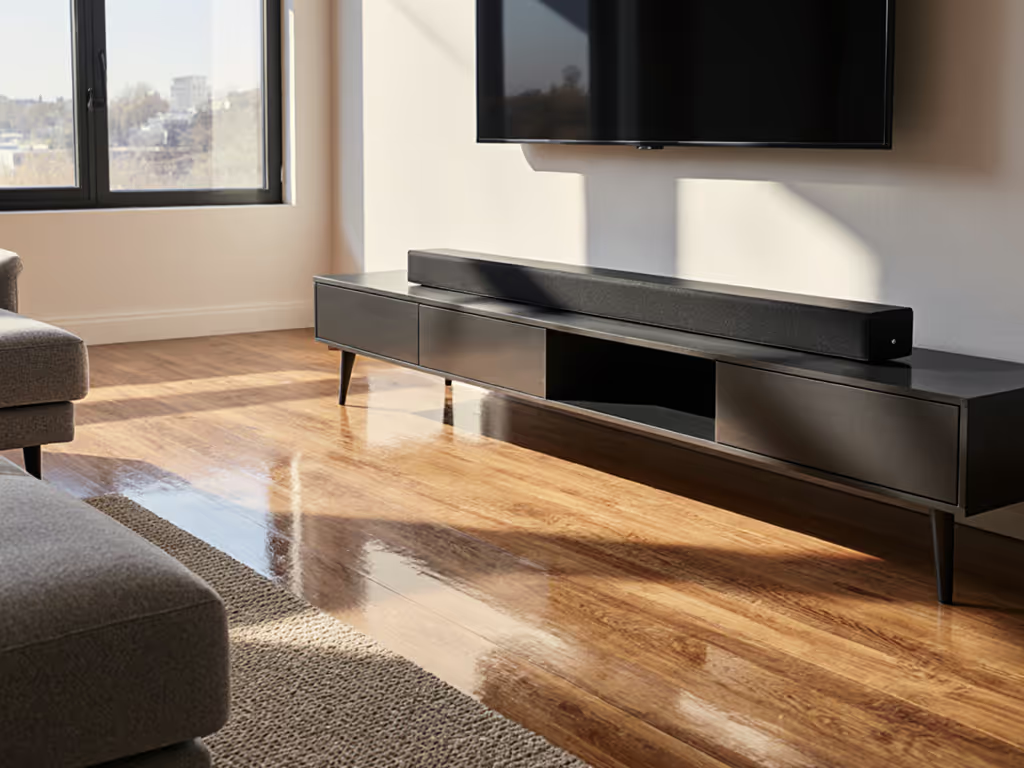
Setup, Placement & Troubleshooting
Soundbar Room Acoustics Guide: Fix Hardwood Floor Echo Now
31st Dec•6 min read
Setup, Placement & Troubleshooting
Fix Soundbar Streaming HDMI-CEC Compatibility Issues
21st Nov•7 min read